
This product is available for local installation in your IT environment or your chosen PaaS solution.
Send large files securely
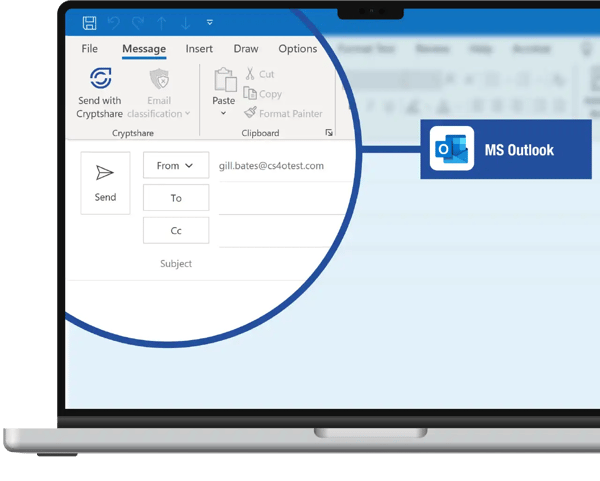
Secure email in Outlook
Strong encryption of email and files
Every day, your organization exchanges large amounts of data with customers, suppliers and partners. Much of this communication takes place via email in Outlook / Microsoft 365. Often the information is highly confidential, or the files are too large to be sent by email. So what happens then?
There are many different ways to get around this problem, but our advice is to use the tools you already have!
Cryptshare for Outlook lets you:
- secure and share confidential emails and files without size limits
- entirely via your regular email, directly from your familiar Outlook interface
Secure file sharing via web browser
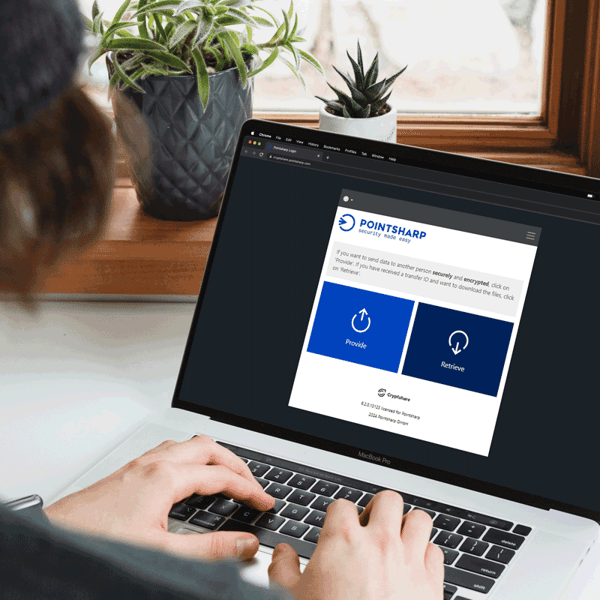
Cryptshare Web App runs directly on the Cryptshare Server installed in your own environment. It is the central communication point and can be used at any time from any computer, tablet or mobile device.
All you and your external communication partners need to exchange sensitive data or large files is a web browser and an email address. Cryptshare Web App is self-explanatory and intuitive to use - no training or support needed.
Meet compliance requirements and stay in control of your data
Cryptshare makes it easier to meet compliance requirements, whether you are subject to GDPR, ISO, PCI or any other regulatory framework, through:
- Email encryption
- Encrypted file transfer
- Full audit tracking
- Malware scanning of transfers

Alternative use cases
Outlook & Microsoft 365
With the Outlook add-in you can send large files and secure emails directly from Outlook - Microsoft 365.
IBM Notes
The integration with IBM Notes makes all features available in a familiar interface.
Web-based file sharing
Users and their external partners can use Cryptshare via a web browser to share information securely with each other.
Download and try for 21 days
Download a fully functional version of the product and try it for 21 days. Support is included during the evaluation period.