
This product is available for local installation in your IT environment or your chosen PaaS solution.
Backup and recovery of Active Directory, Office 365 and Exchange
Active Directory Backup
Back up all AD objects such as users, groups, GPOs, OUs, Exchange attributes, DNS information, computers and contacts. Restore them either partially or fully. Incremental backups save every change made to an object's attributes as a separate version.

Office 365 Backup
Incremental backup of all environments and restore when needed:
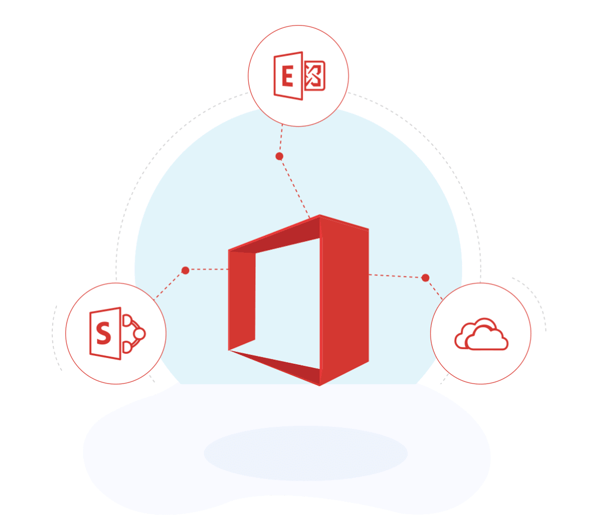
Exchange Online backup: Back up all mailboxes in the entire Exchange Online environment, including all users' emails, calendar entries, contacts, notes, posts and tasks.
SharePoint Online backup: Back up all sites, lists and document libraries.
OneDrive for Business backup: Back up all files and folders in your OneDrive for Business environment.
On-premises Exchange Backup
Back up all items in your on-premises Exchange mailboxes, including all emails, calendar entries, contacts, notes, posts and tasks. You can add multiple Exchange organizations in RecoveryManager Plus and perform backup and restore of Exchange data across all organizations from a single console.
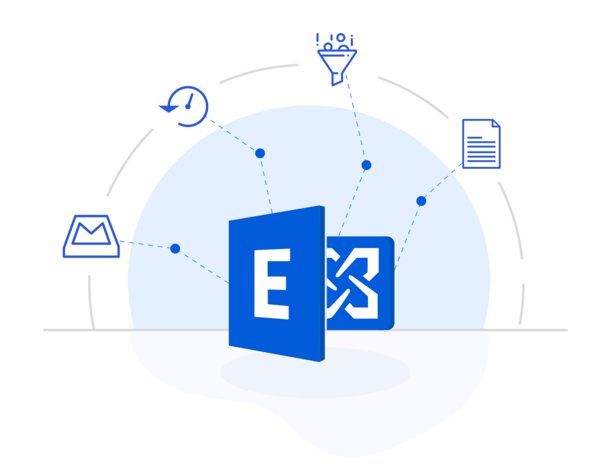
A few selected functions
Incremental backup of VMware and Hyper-V
Perform incremental backups for smooth backup management.
Control backup retention
Set a time limit for when backups should be discarded.
Compress and encrypt backups
Compress backups to a quarter of their size, using the AES-128-bit algorithm.
Back up all Active Directory objects
Perform a full backup and choose whether to restore just a few objects or the entire backup.
AD recycle bin
Easily restore deleted AD objects and their attributes.
Bare-metal restoration
Take full backups of domain controllers and easily restore them if problems occur.
Download and try for 30 days
Download a fully functional version of the product and try it for 30 days. Support is included during the evaluation period.
Fill in your details to get started.
Explore RecoveryManager Plus
